
Synchronize & protect
your DJ library
The elegant, zero-friction library backup and synchronization utility designed exclusively for macOS. Back up to local storage, Google Drive, or network servers.
brew install --cask iampingvi/apps/rekordsync
Bulletproof DJ Library Protection
Your Rekordbox library is your life's work. One database crash or hardware failure can destroy years of curation. RekordSync is your silent, mathematical safety net.
Flexible Multi-Destination Sync
Choose how to protect your music. Sync simultaneously to the cloud and local disk (Hybrid), keep it strictly on your Mac (Local only), or upload directly to the cloud and instantly delete the local temporary ZIP to save SSD space (Cloud only). Native integration with Google Drive (including custom OAuth keys), WebDAV, FTP, and SFTP.
Granular Retention Policy
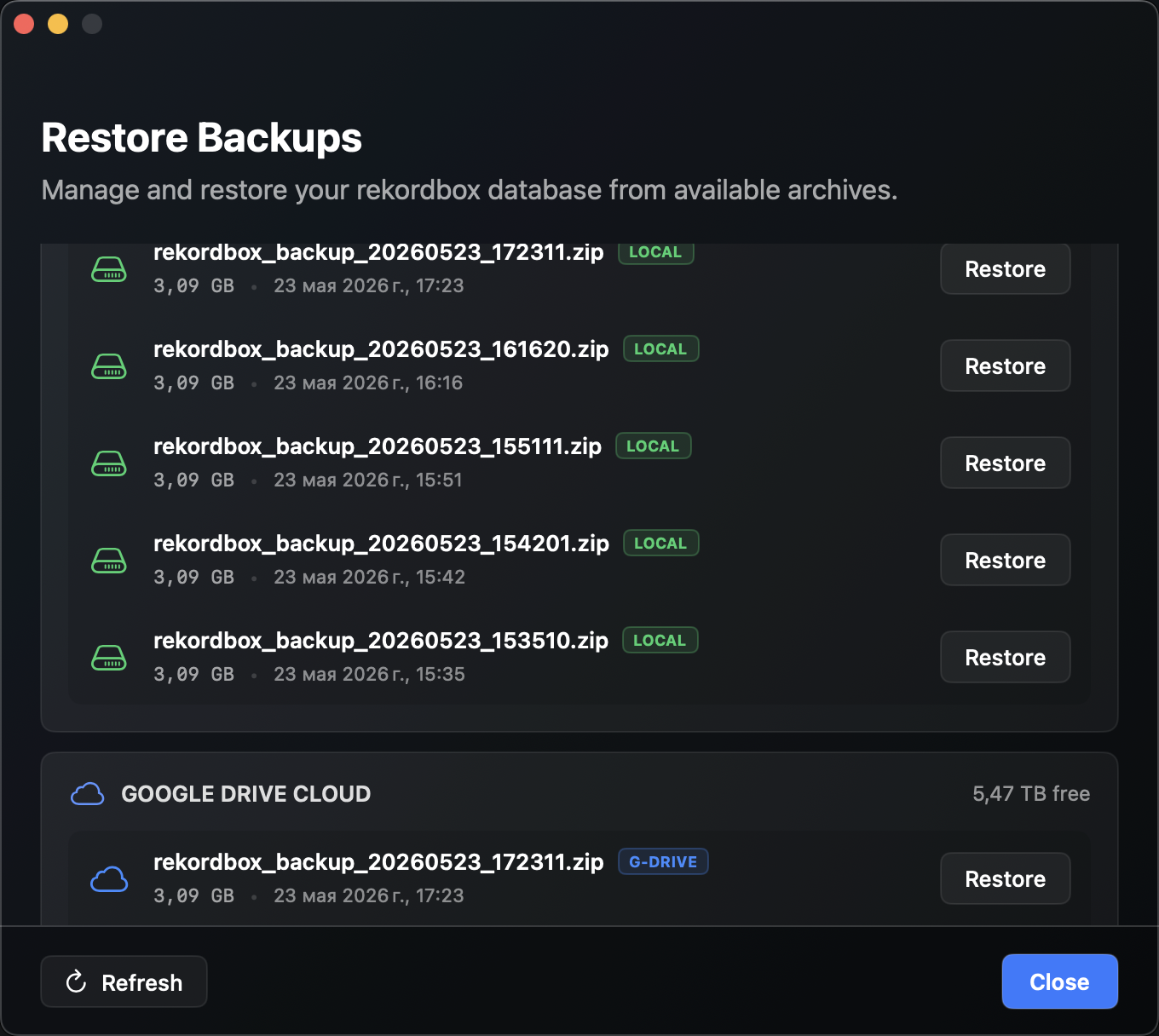
Protect your performance SSD from database bloat. Configure individual retention limits (from 1 to 50 copies) separately for your local drive, Google Drive, and each added WebDAV, FTP, or SFTP server. The engine automatically purges expired archives in the background, ensuring you always have space for new tracks.
100% Native macOS Swift Core
Zero Electron bloat, zero memory leaks. Engineered in pure Swift 5.10 and SwiftUI, consuming under 40MB of RAM. Leverages native macOS sandboxed utilities with asynchronous zero-deadlock processing. Experience raw hardware speed and real-time scrolling logs showing files currently being compressed inside the ZIP archive.
Smart Scheduler & Native Push
Complete background peace of mind. Launching seamlessly at macOS startup via official SMAppService launch daemons, the smart scheduler calculates precise Last and Next backup times. Interactive Menu Bar updates and native macOS push notification banners instantly report backup progress, success, or warning alerts.
Live Diagnostics & Auto-Detect
Complete operational visibility. Monitor exact database sizes and detailed transfer logs inside a sleek console. Features WebDAV protocol auto-detection: if secure HTTPS fails due to SSL errors, the client instantly performs a fallback to HTTP and persists the working URL for future automated syncs.
Cryptographic Integrity Check
Every single archive is secured and verified using enterprise-grade SHA-256 checksums, uploaded alongside your archives. RekordSync mathematically guarantees that your library is 100% corruption-free and secure before executing any restore or recovery operations. Absolutely zero guesswork.
How to Run on macOS?
Since RekordSync is a free independent utility, macOS Gatekeeper may show an "unsigned developer" warning during your first launch. Here are two secure, easy ways to bypass it:
Terminal Command (Recommended)
Fully strip the macOS quarantine attribute in one second. This permanently resolves any unsigned developer warnings:
xattr -cr /Applications/RekordSync.app
RekordSync.app into your Applications folder, copy the command above, paste it into Terminal, and press Enter. Done!
Finder Graphic Bypass
Open the application using the native macOS graphic user interface without running any command lines:
- 1 Open your Applications folder in Finder.
-
2
Hold the
Controlkey (or right-click) and click the RekordSync.app icon. - 3 Select Open from the context menu.
- 4 Click Open in the confirmation dialog. macOS will remember your decision forever!